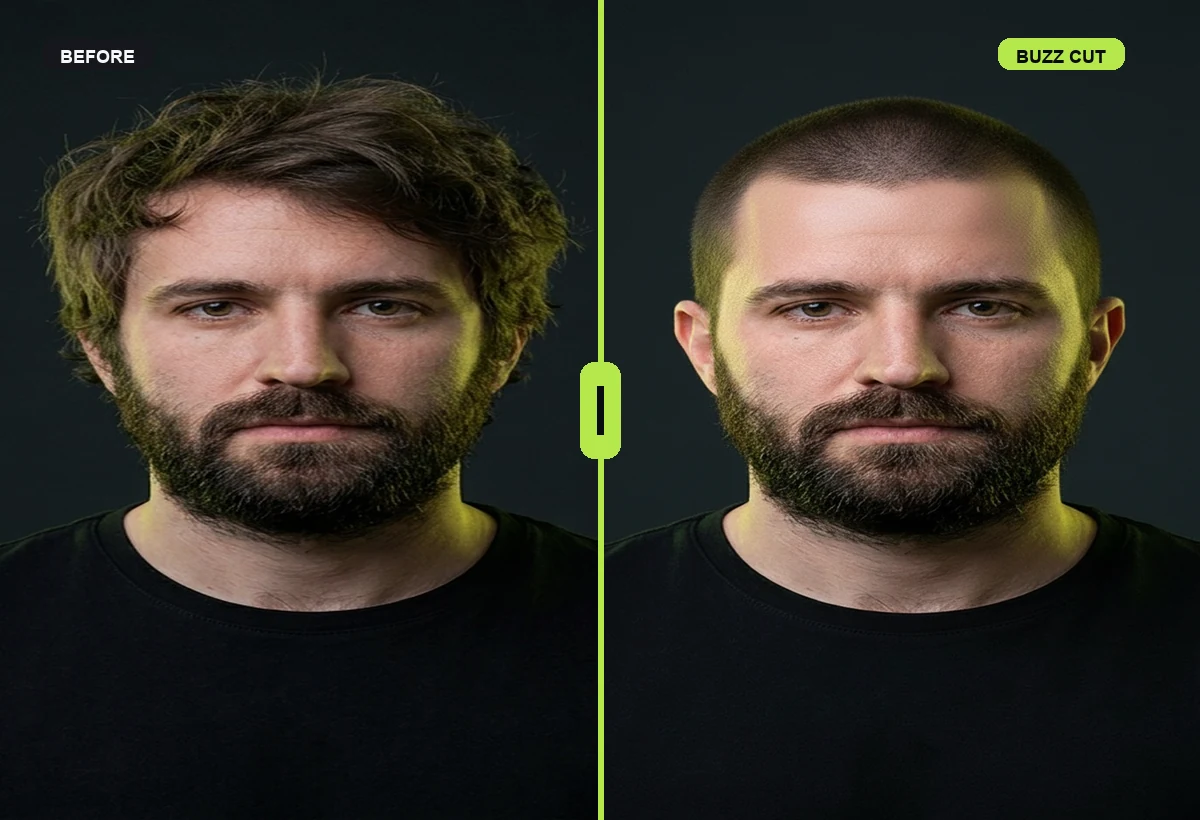
Before and after, not guessingSee the haircut change on a realistic face reference before you book.
A free buzz cut filter search usually means the decision feels risky. RegretCam keeps buzz cut previews Premium-only so you know the cost before generation and can focus on hairline, head shape, and beard balance.
A trustworthy online buzz cut preview should help you decide whether to go shorter without treating the filter as a guarantee.
Download on the App Store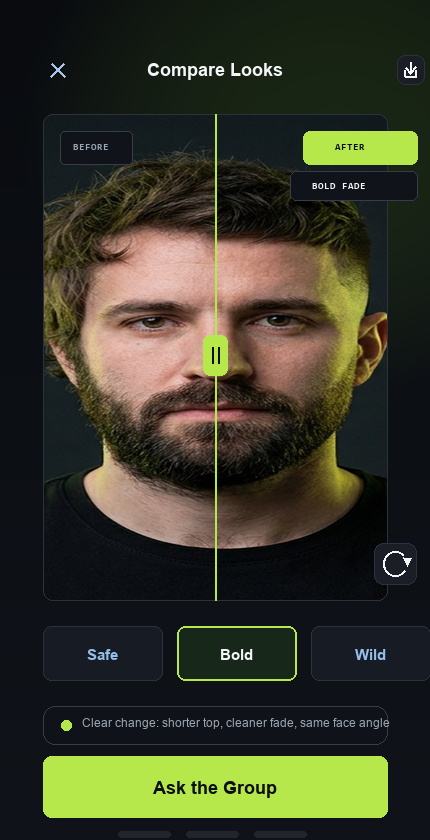
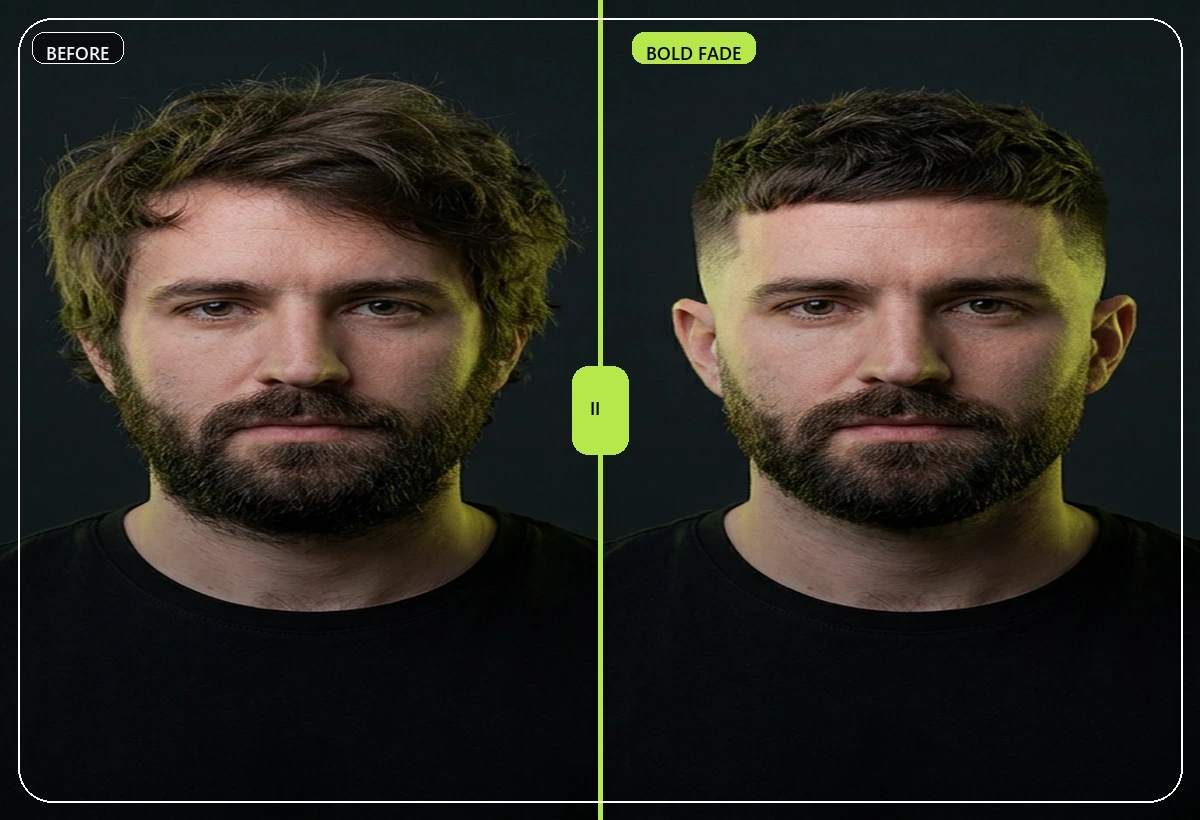
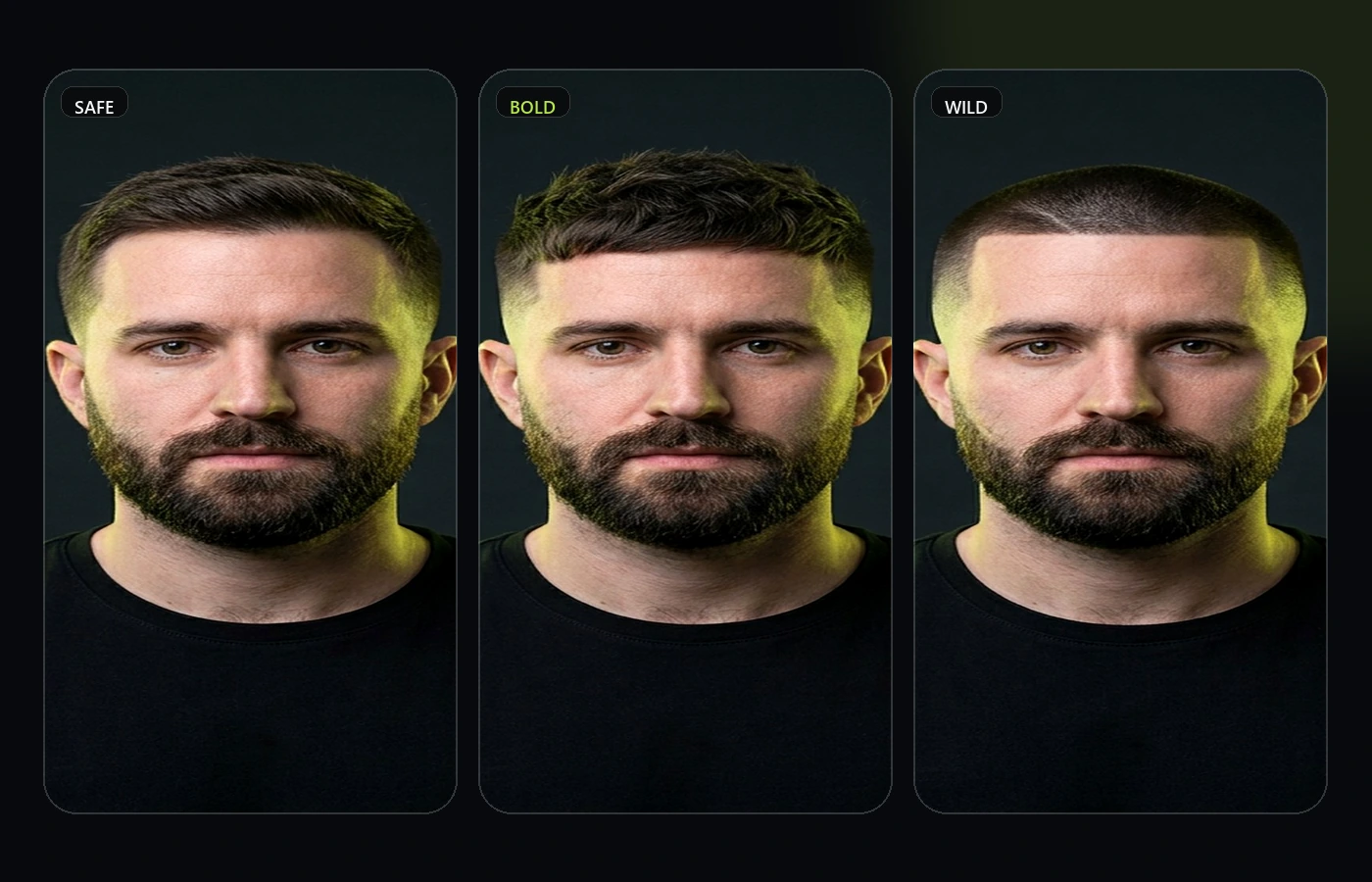
If you are searching for buzz cut filter online free, the useful result is not another throwaway filter. The useful result is a current photo, one clear style direction, and a before/after preview that lets you judge hairline and temples before the appointment.
RegretCam is built for that decision moment. It is premium-only because real AI preview packs cost money to generate, and the workflow is intentionally focused on haircuts, hair color, and beard changes instead of broad identity editing. Use it when the change is visible enough that guessing from someone else's photo feels risky.
The key is to compare one decision at a time. Start with the style family, review Safe, Bold, and Wild versions, then ask a small private group for feedback. That gives you a cleaner signal than scrolling through generic inspiration photos or skipping the longer version.
You are close to making a visible style change and need to see whether the idea works on your own face, hairline, jaw, beard, or usual style. This is the right moment for a preview, not after the chair is already booked.
Upload a clean selfie, pick one direction, generate the preview pack, compare the strongest two looks, then share a private poll only when the decision is genuinely close.
Save the winning preview as a conversation starter. A barber or stylist still adapts the result to your hair type, but the preview makes the brief clearer and reduces vague chair-side decisions.
RegretCam focuses on the decision before the visible change. The product preview is intentionally scoped to haircuts, hair color, and beard changes first, because those are the style decisions where a realistic face-based preview can reduce regret without drifting into full outfit or identity editing.
The workflow is simple: upload a clear selfie, generate a focused preview set, compare the result against your face shape and maintenance tolerance, then share a private poll with people whose taste you actually trust.
It is enough for a first decision check, but the final haircut, color, or beard change still depends on your barber, stylist, hair type, and real-world maintenance.
Yes. RegretCam is designed around private browser-based poll links so trusted friends can vote without installing the app.
RegretCam is positioned as a decision workflow: preview, compare, ask privately, then bring the clearest direction to a barber or stylist.