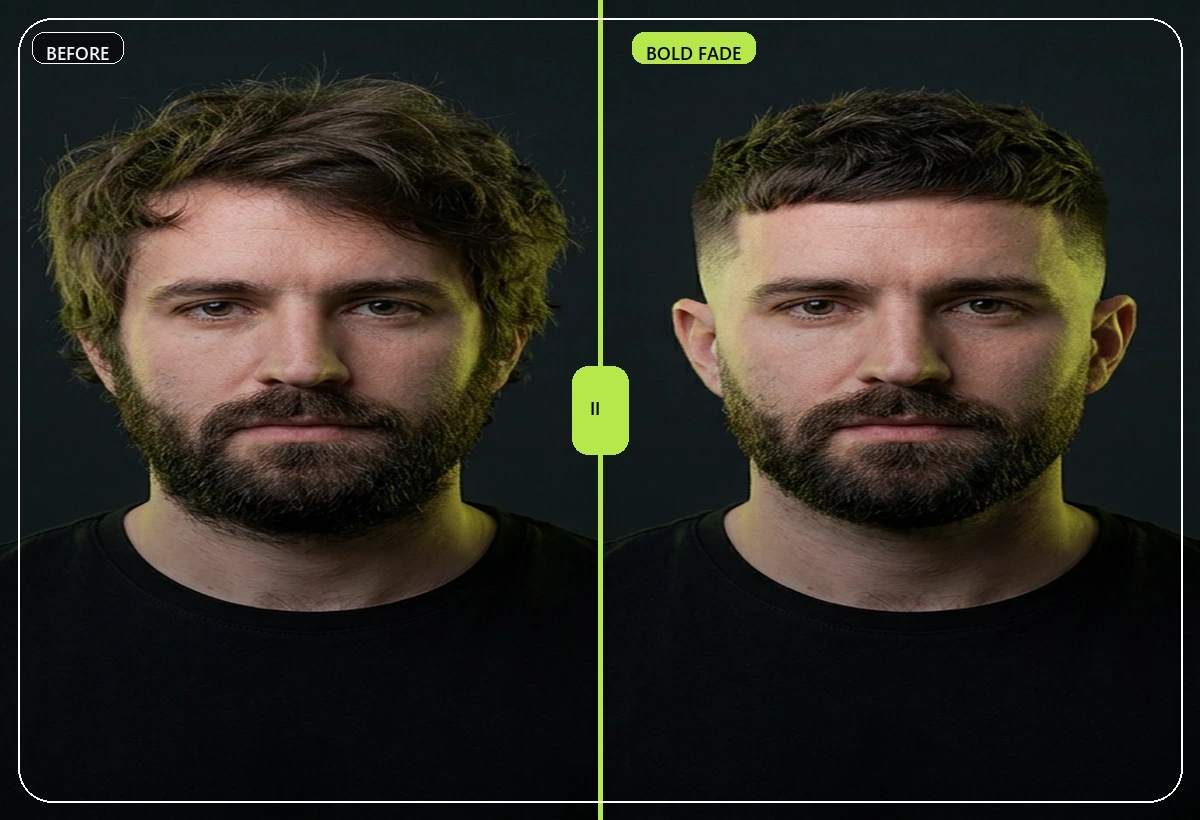
 Visible before/after proof
Decision checklist
Haircut decision checklist before you commit
Use this checklist before a haircut, buzz cut, fade, hair color change, or beard trim. The goal is to make the decision specific enough that you can explain it clearly.
Download on the App Store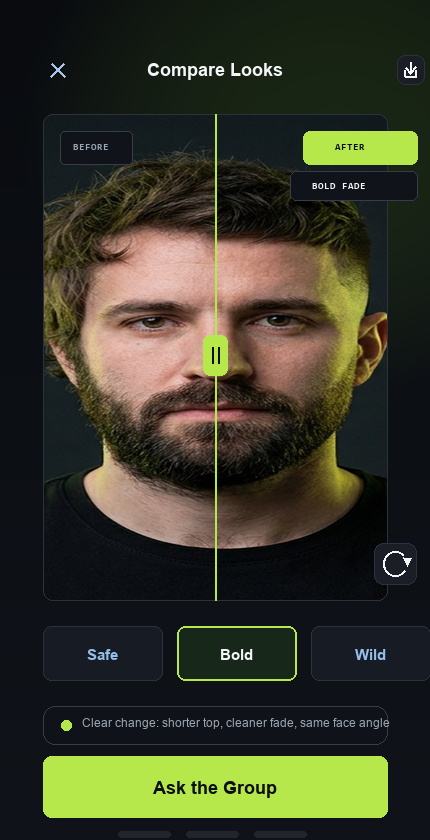 Visible before/after proof
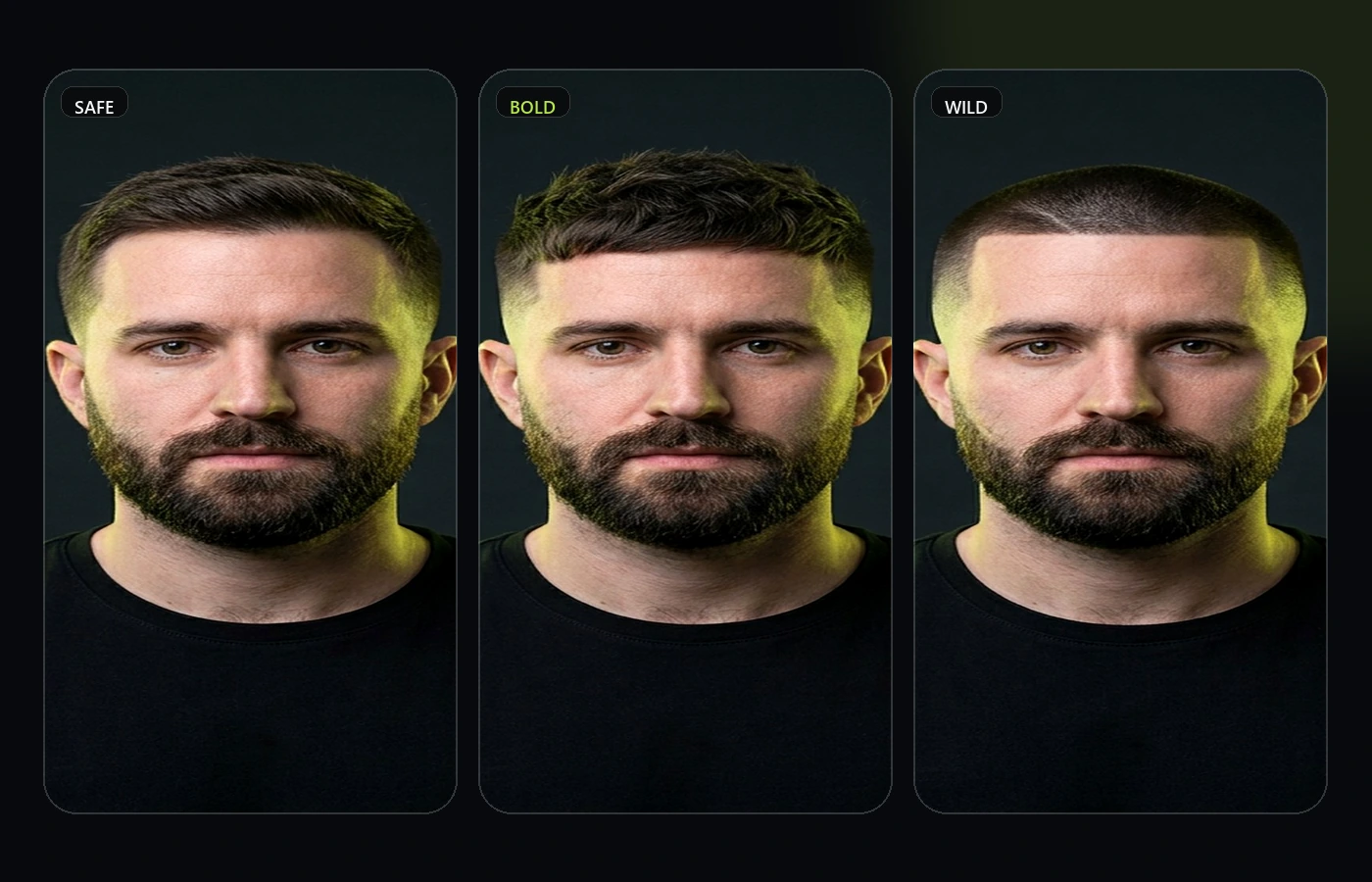 Decision support, not just filters
1. Define the risk level
Choose whether this appointment is a cleanup, visible upgrade, or high-risk transformation. The bigger the change, the more useful a preview and private poll become.
- Cleanup: same style, sharper shape.
- Upgrade: new length, fade, fringe, beard, or color.
- Transformation: buzz cut, big chop, bold color, mullet, or clean shave.
2. Check face fit
Look at how the style changes forehead height, jaw shape, cheek width, hairline exposure, and beard balance.
- Does it expose a hairline you usually cover?
- Does it make the face feel longer or wider?
- Does the beard still balance the haircut?
3. Make it barber-ready
Bring one strong reference and one sentence explaining what matters. A barber can adapt the technical details when your direction is clear.
- The top shape I want is...
- The sides should feel...
- The part I do not want is...
Why this page matters
RegretCam is built for the moment before a visible style change becomes expensive, public, or hard to reverse. These resources help turn vague inspiration into a clearer haircut, hair color, or beard decision.
Use them before opening the app if you need a calmer brief, a better reference photo, or a cleaner way to ask friends for feedback.
Best way to use it
Start with one decision at a time. Decide whether you are testing length, fade height, color tone, fringe, beard shape, or a clean shave. Then use RegretCam to preview the strongest direction and keep the private poll small.
The goal is not to collect endless opinions. The goal is to know what to ask for before the appointment starts.
Trust and limits
AI previews are decision aids, not guarantees. Real results depend on hair density, texture, growth pattern, skin tone, lighting, and the person doing the cut or color.
RegretCam keeps the first version focused on hair, hair color, and beard changes because those are the visual decisions where a private preview can be genuinely useful.
Recommended RegretCam workflow
Use this page as the planning layer, then move into the app when you are ready to test the actual look. The cleanest path is: define the decision, choose one style family, upload a current photo, generate the preview pack, compare the realistic options, and run a private poll only if you are stuck between close choices.
For searchers coming from Google, that workflow is the difference between inspiration and action. It helps turn "what haircut should I get" into a specific brief a barber, stylist, or colorist can actually respond to.
It also keeps the product promise honest. RegretCam is not trying to be every beauty tool at once. It is focused on high-commitment hair, color, and beard decisions where a private preview can prevent a more expensive mistake.
That makes these resources useful for both people and search engines: they explain the decision, link to the right tool, and avoid vague filler.
The next click should always feel obvious.