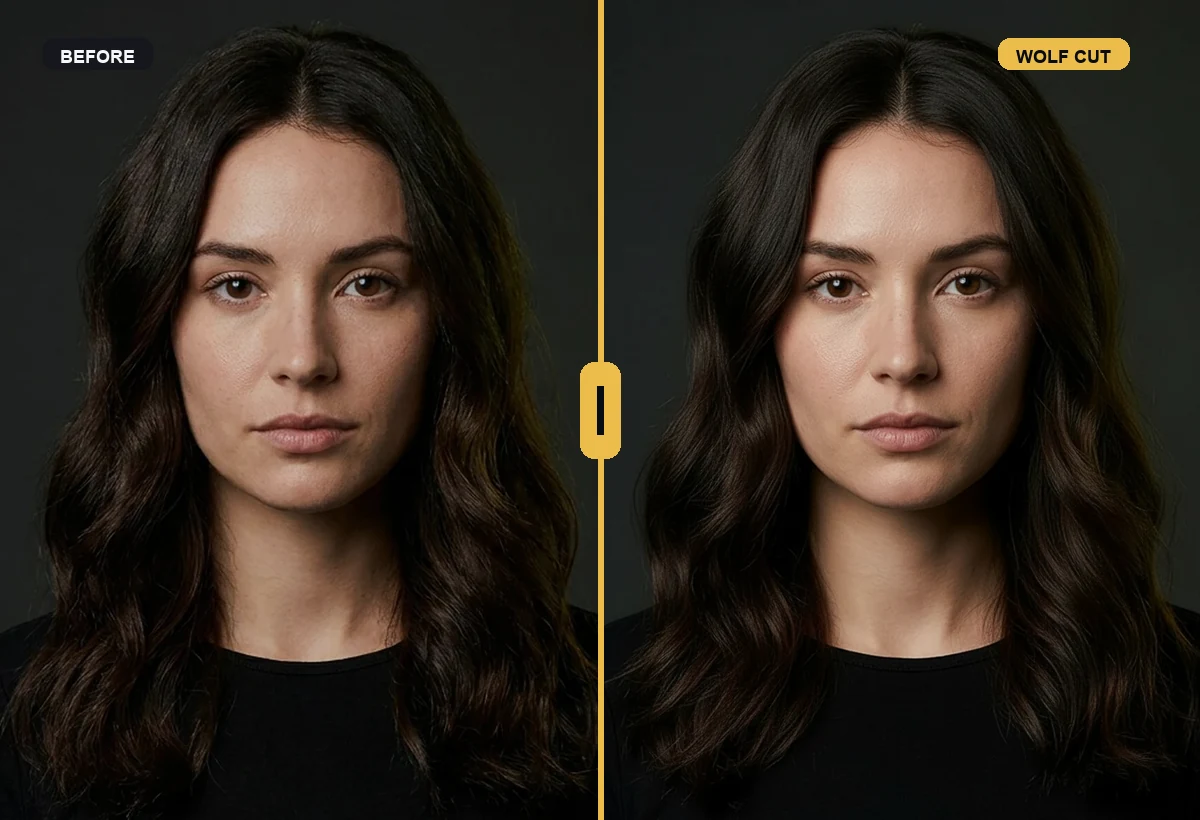
 Relevant preview
See the specific change this page is about.
Relevant preview
See the specific change this page is about.
wolf cut filter
Wolf cut filter before the layers happen
The wolf cut depends on layers, fringe, texture, and how the shape frames your face. RegretCam helps you preview the direction before you commit to a cut that changes your silhouette.
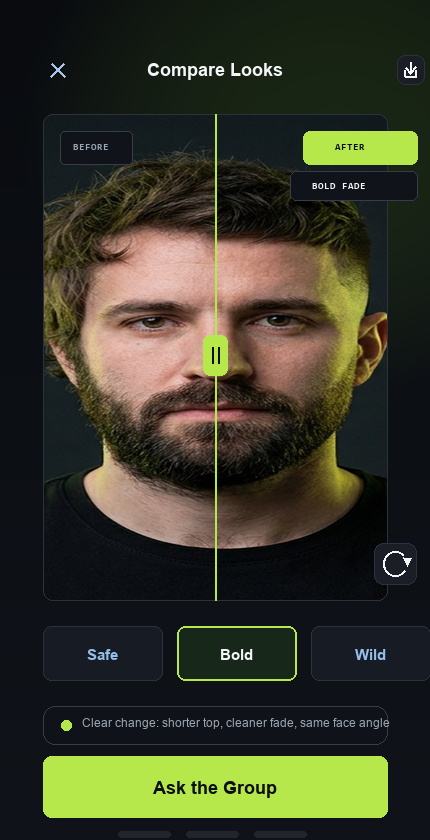
See the change before the appointment
Relevant preview
See the specific change this page is about.
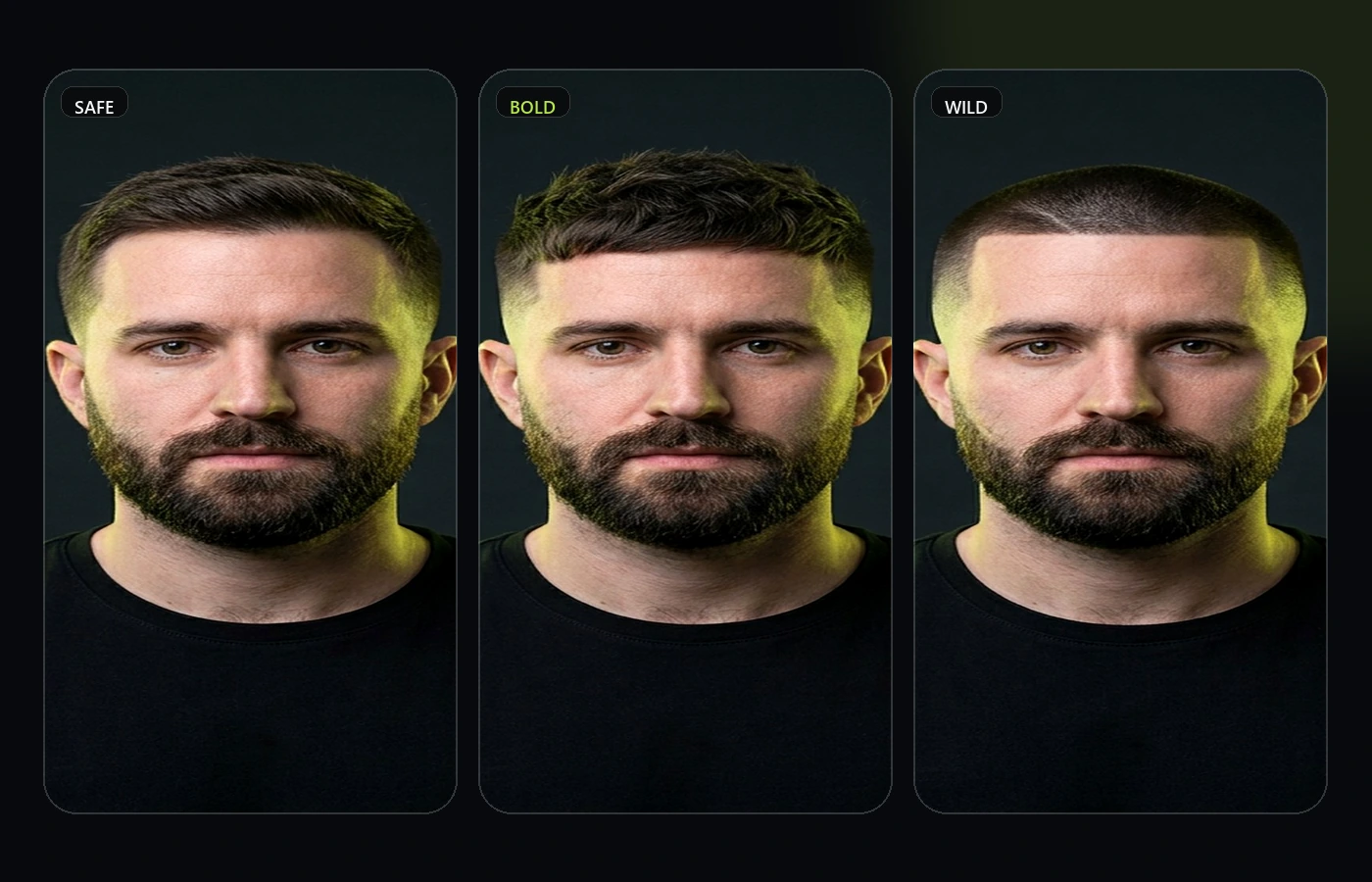
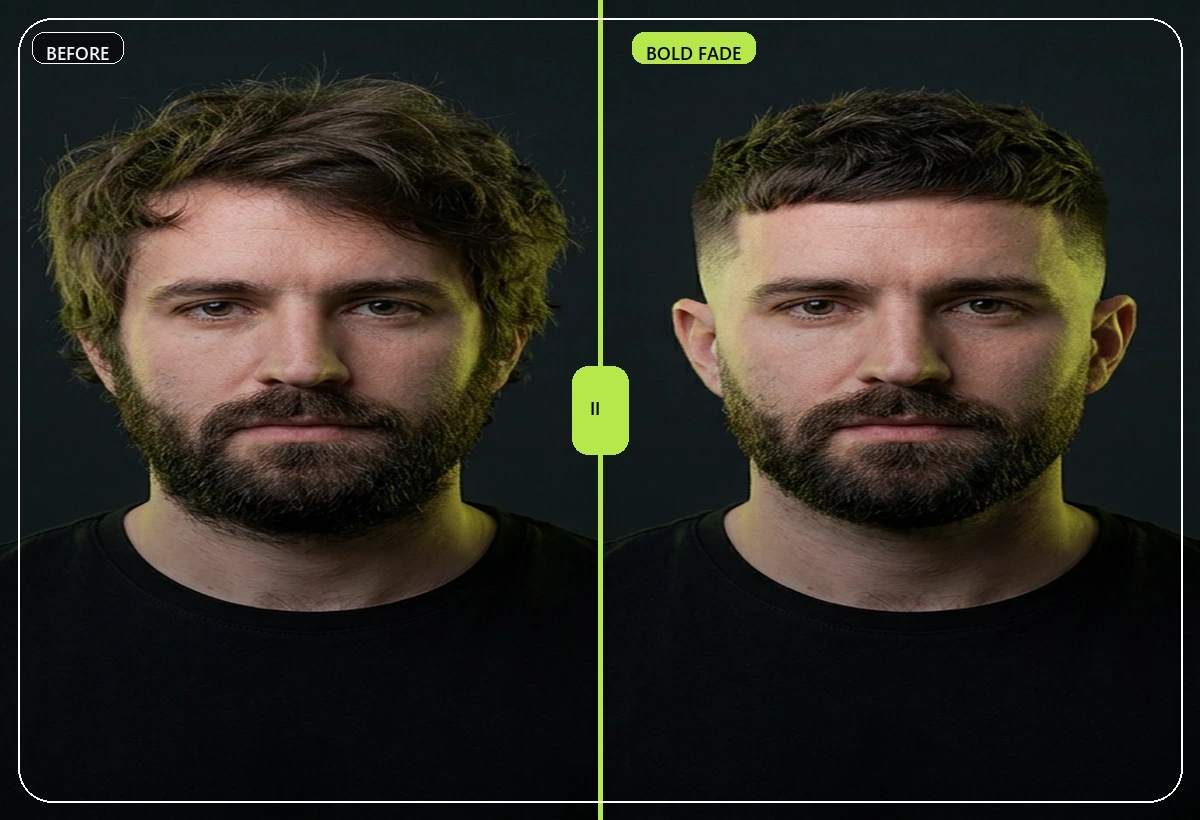 Compare the range
Safe, Bold, and Wild make the decision easier.
Compare the range
Safe, Bold, and Wild make the decision easier.
 Decision support
Turn the preview into a clearer next step.
Decision support
Turn the preview into a clearer next step.
Quick answer: what wolf cut filter should help you decide
A good wolf cut filter should answer one practical question: does this look work on your own face before you spend money, cut hair, dye hair, or shave? RegretCam is designed around wolf cut curiosity, not casual novelty edits.
The best workflow is to generate a focused preview pack, compare the Safe, Bold, and Wild directions, and use the result as a decision aid. Think about daily styling effort, not just the preview. That gives you a clearer reference than screenshots from someone else's haircut.
Because RegretCam is premium-only, every page is honest about the tradeoff: realistic image generation has a cost, but the product is built to save you from a more expensive or more public style mistake.
Best for
- Wolf cut curiosity
- Layered haircut planning
- Fringe and face-framing tests
- Comparing soft vs dramatic texture
How it works
- Use a selfie where your forehead and current hair length are visible.
- Generate wolf cut variations.
- Compare the fringe, side volume, and layer intensity.
- Ask friends which version still feels like you.
Decision tips
- Think about daily styling effort, not just the preview.
- Look at how the fringe changes your face proportions.
- Use the preview to decide soft layers vs dramatic texture.
Why use RegretCam for wolf cut filter?
Most style inspiration is shown on somebody else's face. RegretCam is built for the moment when you need to know whether a look works on you. It keeps the first version focused on haircuts, hair color, and beard changes, then adds private voting so the decision can move from guessing to evidence.
The goal is not to score your appearance. The goal is to reduce regret before a visible change. Use the preview as a practical reference, compare the versions calmly, and bring the clearest direction to your barber, stylist, or colorist.
Privacy signal
Use the preview for a private decision first. Poll links are meant for a small trusted group, and the app avoids face rating or public ranking language.
Real-world handoff
Save the strongest preview and bring it to the appointment as a brief. The final cut, color, or beard shape still depends on your hair type and the professional doing the work.
Decision quality
Do not test every trend at once. Start with the visible change behind wolf cut filter, compare a small set, and keep the version that still feels like you after the novelty fades.
FAQ
Can I preview a wolf cut before going to a salon?
Yes. It is useful for deciding whether the shape fits before a stylist starts cutting layers.
Does it show exact layering?
It previews the overall look and structure, while a stylist handles the exact cut.
Can friends vote on different wolf cut versions?
Yes. Share a private poll with the variations you are considering.