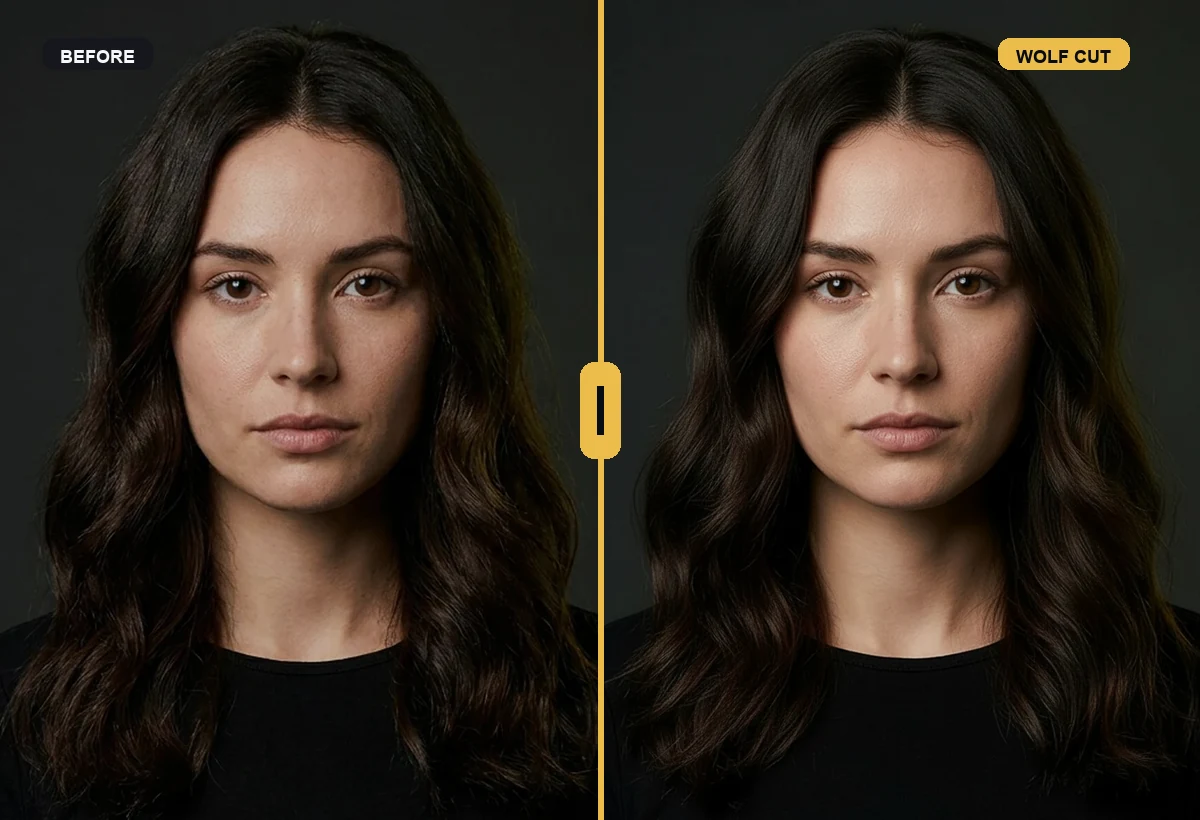
 Compare the range
Safe, Bold, and Wild keep the decision grounded.
Compare the range
Safe, Bold, and Wild keep the decision grounded.
Layered haircuts / wolf cut try-on
Wolf cut try-on before the layers happen
A wolf cut changes silhouette through layers, texture, and fringe. It can feel effortless or overwhelming depending on your face and styling habits.
Try this in RegretCam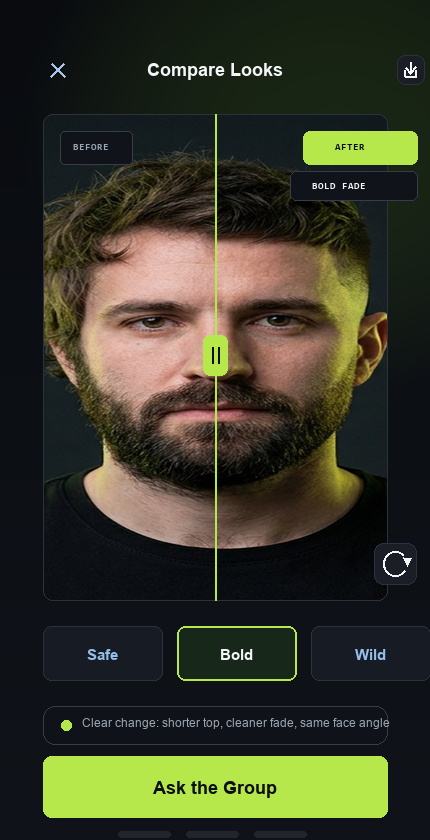
Realistic references before you choose
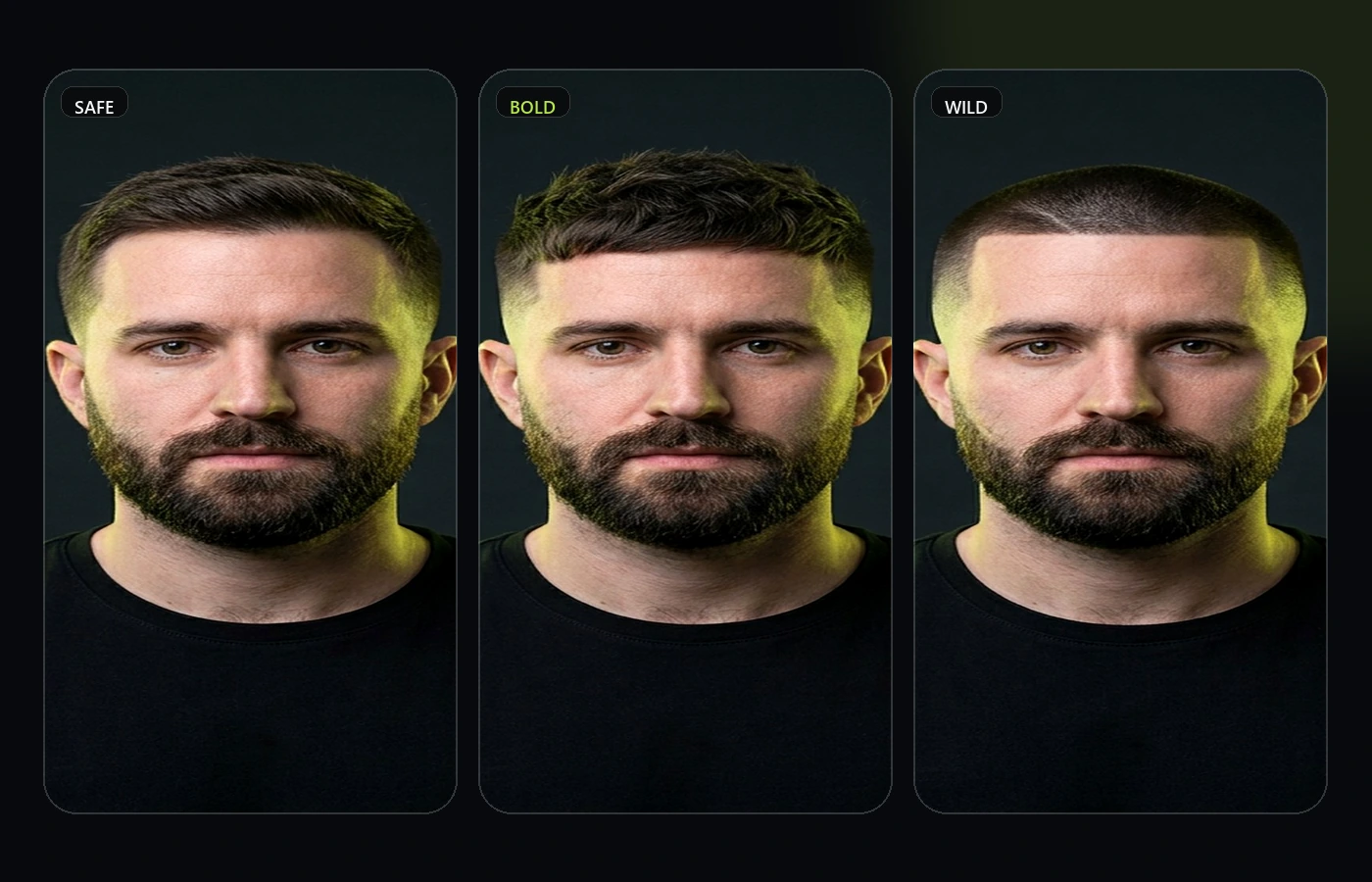
Compare the range
Safe, Bold, and Wild keep the decision grounded.
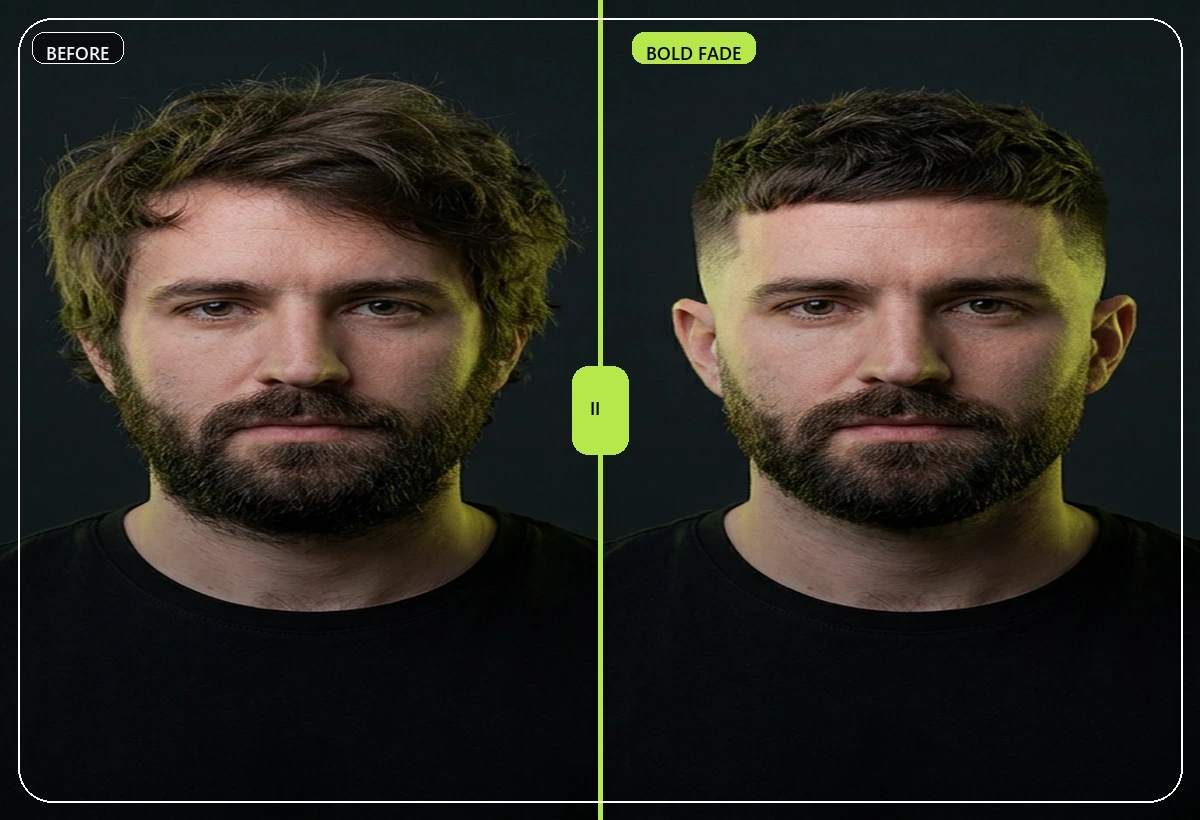 Inspect the shape
Look at length, fade, fringe, and face balance.
Inspect the shape
Look at length, fade, fringe, and face balance.
 Match facial hair
Haircuts and beard choices should work together.
Match facial hair
Haircuts and beard choices should work together.
Quick answer for wolf cut try-on
wolf cut try-on is worth previewing when the style changes how your face is framed, how much hairline is visible, or how your beard and jaw balance read from the front. A reference photo can show the idea, but it cannot show how the look lands on your own face.
RegretCam makes the decision more specific: generate the style from a current selfie, compare the safe and bolder versions, and only then ask for private votes. That keeps feedback grounded in a realistic option set instead of random opinions about a trend.
Use the result as a brief. A barber or stylist still needs to adjust for density, texture, growth direction, and maintenance, but the preview helps you explain the direction faster and avoid chair-side guessing.
For the strongest read, judge the preview twice: once for the immediate first impression, and once for whether you can live with the upkeep after the novelty fades.
Search intent
- Wolf cut filter
- Layered haircut preview
- Shag haircut direction
- Bold haircut poll
Face-fit checks
- Fringe length
- Side volume
- Layer intensity
- How much styling the texture needs
RegretCam flow
- Generate soft, medium, and bold wolf cut previews.
- Compare the fringe and side volume carefully.
- Use comments from a private poll to spot whether the style reads intentional.
Barber or stylist brief
Bring a preview that shows layer intensity. Ask your stylist what has to change for your hair density and natural wave pattern.
Related tools and guides
Use the style page for research, then move into a preview, comparison, or private poll page when you are closer to the actual decision.
wolf cut try-on FAQ
Can I preview wolf cut try-on before an appointment?
Yes. RegretCam is designed to preview wolf cut try-on on your own face so you can judge face fit, maintenance, and whether the style still feels like you before committing.
What should I compare for wolf cut try-on?
Start with fringe length, then compare the preview against your usual grooming routine and the amount of maintenance you are willing to handle.
Should I show the preview to my barber or stylist?
Yes. Use the strongest preview as a direction and let the professional adapt the technical details to your hair type, growth pattern, and real-world styling limits.